Custom website and admin for a food truck
Black Rhino
The new website of a burger food truck and its kitchen in Grenoble: it shows where to eat right now based on the time, takes lunchtime pre-orders, and the owners update it from their phone.
- Next.js
- Payload CMS
- TypeScript
- PostgreSQL
- Vitest
Context
Goals
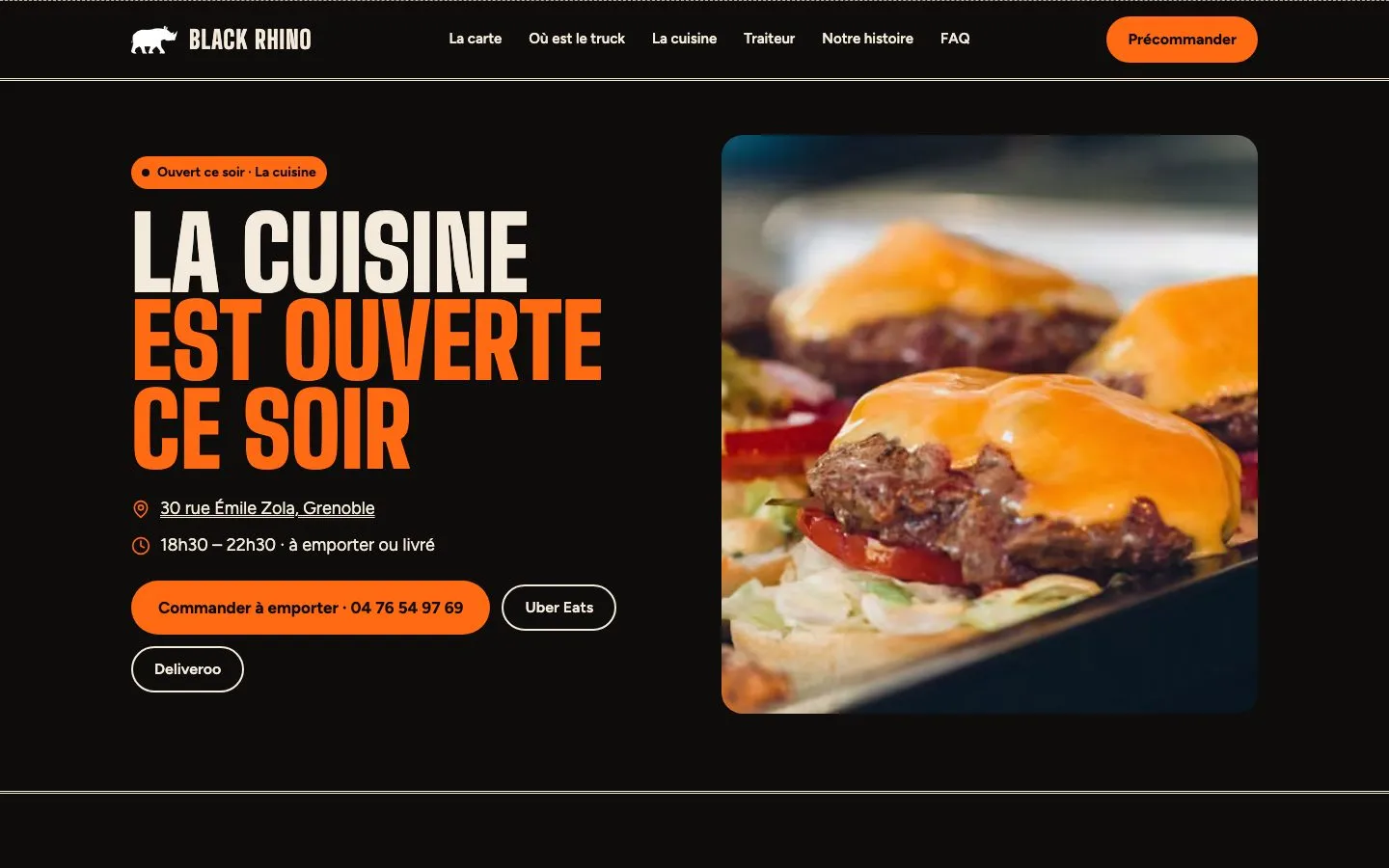
- Show in one second where to find Black Rhino: the truck at lunchtime, in a different place every day, or the kitchen in the evening.
- Let the owners change everything themselves, from a phone, in seconds: schedule, menu, prices, “sold out”, closures, announcements.
- Take lunchtime pre-orders without exceeding what the truck can prepare per time slot.
- Replace a slow site with a fast, accessible site with good local search visibility.
The need
The old site, a one-page WordPress, was slow on mobile (65 for performance, 17 seconds before showing the main element, audit of 03/10/2026) and did not clearly say where the truck was that day. The owners often change the menu and the truck's location, work in the kitchen and are not developers: if the site cannot be updated in a few minutes from a phone, it will not be kept up to date.
The solution
I scoped the project (three options compared on mobile editing, performance, pre-orders, monthly cost and reversibility), then built a single Next.js application containing the site, the admin and the API, with Payload CMS and PostgreSQL. The work moved forward step by step, each one shown and approved before the next.
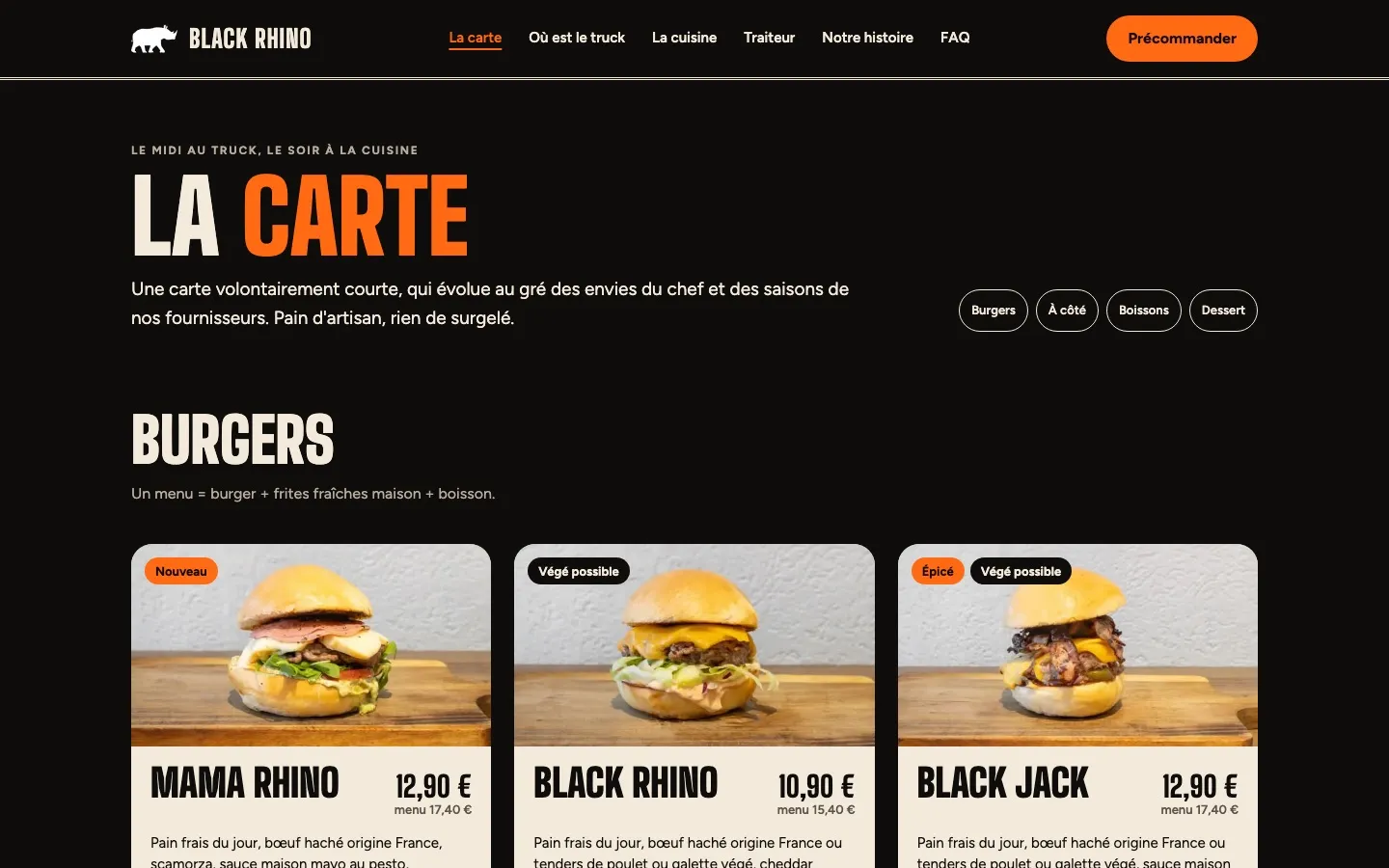
The admin is in French and shaped around the team's real tasks: entering the truck's week, marking a burger as sold out, following pre-orders during service. Nothing that changes is hard-coded.
One application, from admin to customer
Diagram- 01The team updatesSchedule, menu, “sold out”, closures, from their phone.
- 02The site updatesPages regenerated on every save, within seconds.
- 03“Now”Truck at lunch, kitchen tonight or next service, based on Grenoble time.
- 04Pre-orderTime slot chosen, capacity checked on the server.
- 05Today's ordersA team screen that rings, plus a phone notification.
Key features
- 01
“Now” block
Based on Grenoble time, the home page shows the lunchtime truck, the evening kitchen or the next service, taking exceptional closures into account. With no schedule entered, the site never shows a guessed location.
- 02
Admin on a phone
Custom screens: “Today” (sold out, hide), “Weekly schedule” (one location per day, copy the previous week) and “Today's orders”. Drafts, preview and version history on pages.
- 03
Pre-order without an account
A four-step flow with a choice of time slot. Prices and capacity are recalculated on the server, and two customers cannot take the same last place. Payment on pickup.
- 04
Team alerts
The orders screen refreshes itself and rings on each order, and a push notification reaches the phone. The admin installs on the home screen like an app.
- 05
Catering quotes and events
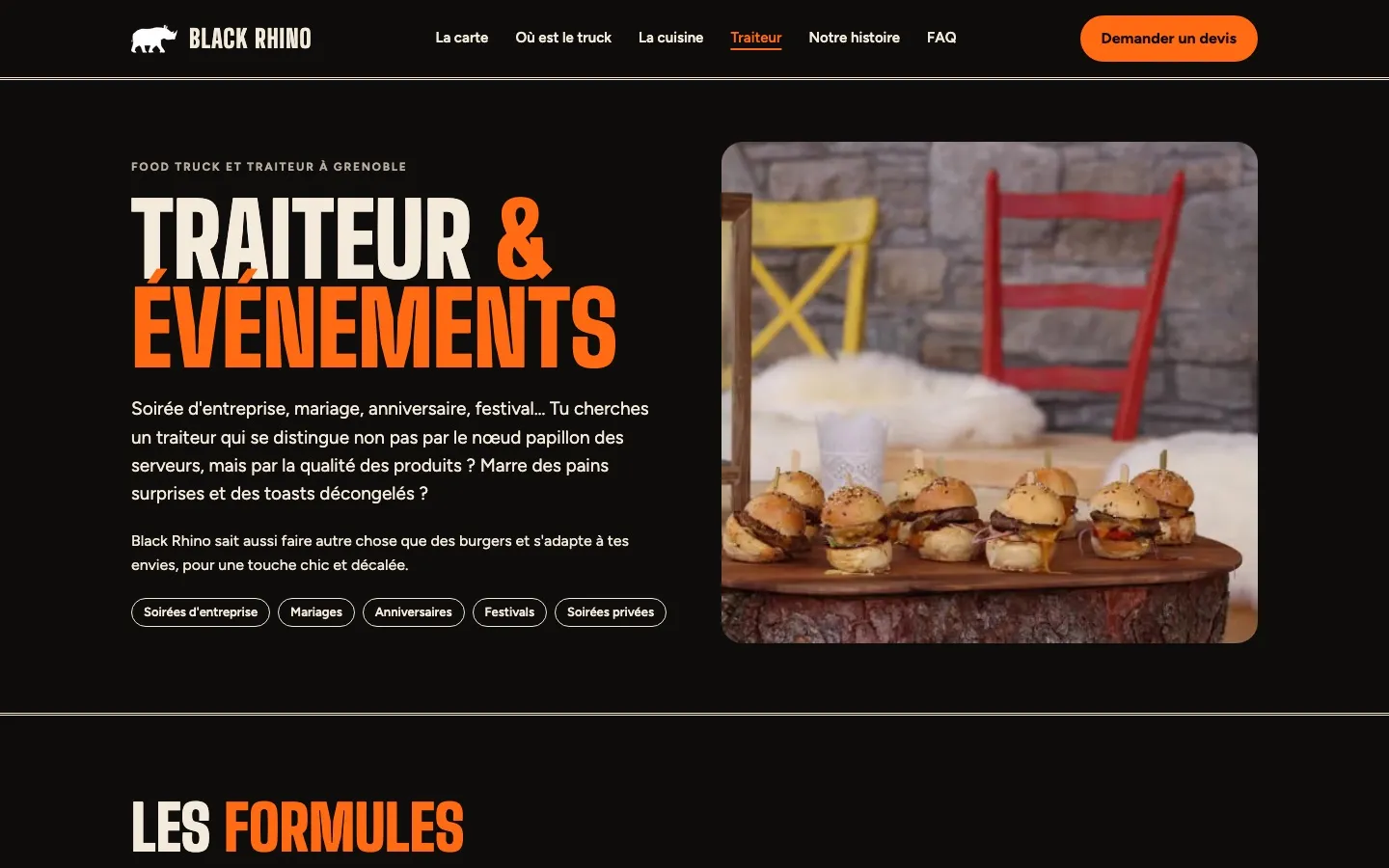
Quote requests are saved in the admin and sent by email. A calendar of public or private events replaces the schedule on the days concerned.
- 06
Local SEO
Title and description of each page in the admin, structured data generated from the content (menu, restaurant, locations, FAQ), sitemap and redirects from the old site.
Architecture and technical choices
- Next.js and Payload CMS
- A single application for the site, the admin and the API, on a PostgreSQL database. The code and data belong to the client and can move to any Node host.
- Cached content, never stale
- Pages are cached and regenerated on every save. The “Now” block is rendered on the server for Google, then recalculated in the browser on load and every minute.
- Transactional pre-orders
- Slot capacity and the per-number limit are checked under a lock, in the same transaction as the save. Abuse protection: rate limiting, honeypot field, invisible bot check.
- Design system in native CSS
- CSS variables are generated from the design system's token file, with self-hosted fonts. A test checks that the code stays identical to the approved design system.
- Tests and personal data
- Automated tests on the “Now” block (daylight saving changes included), forms, SEO and concurrent pre-orders. Every night, the first name and phone number of old pre-orders are erased.
My role
Sole developer on the project: from technical scoping to a demo ready for go-live.
- Design brief, then technical scoping: three options compared, monthly costs, step-by-step plan.
- Development of the site, the admin and the custom screens.
- Pre-orders, catering quotes, team notifications.
- Local SEO, performance and accessibility, checked page by page.
- Automated tests, documentation and go-live checklist.
What I did not build
The copy, the menu and the photos come from Black Rhino.
AI assistance · Design system and mock-ups produced with Claude Design from my brief, then approved with the client. Development done with the help of Claude Code, under my technical direction: scoping, stack choice, architecture, review and sign-off of every step.
Outcomes
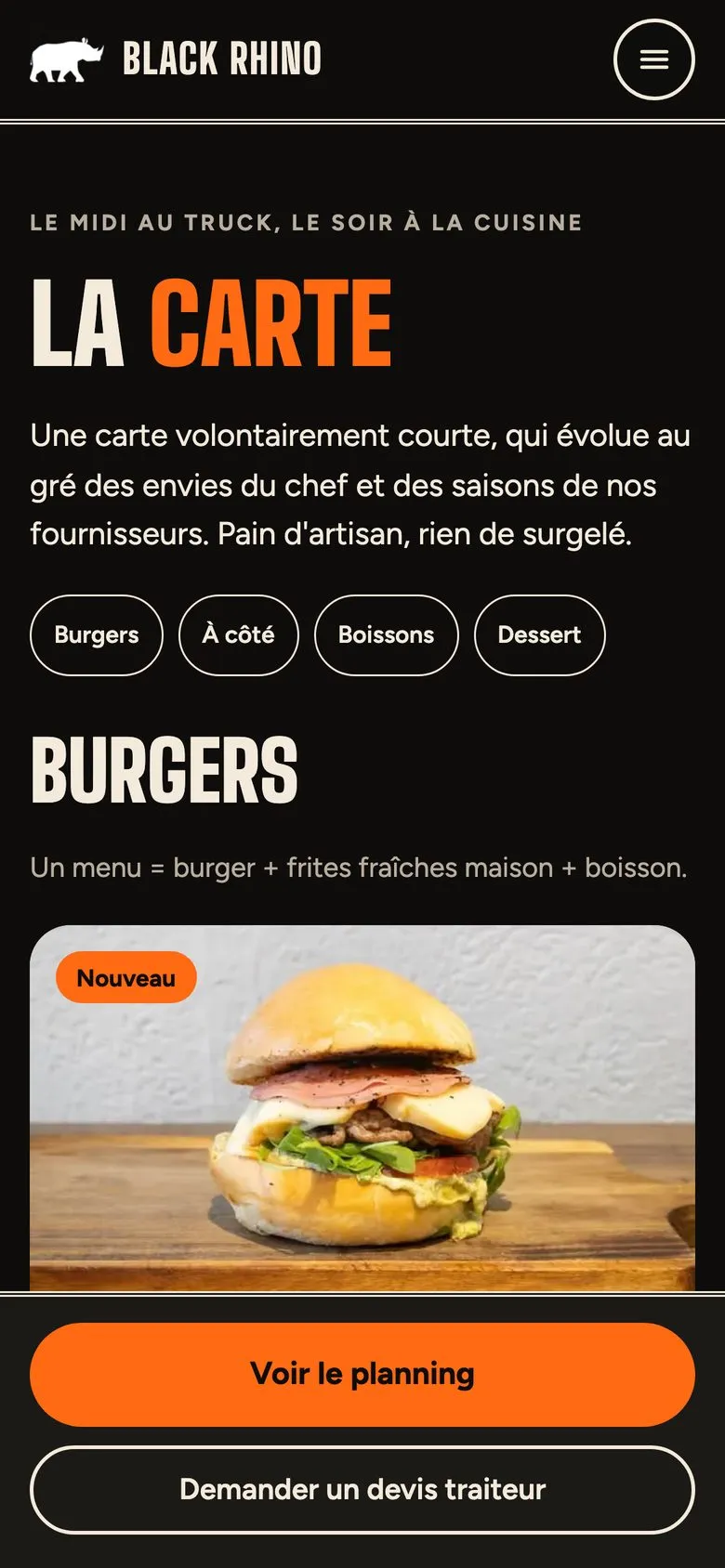
- Mobile Lighthouse scores of 95 to 100 for performance and 100 for accessibility, best practices and SEO on the indexed pages, measured on the production build before go-live (old site: 65 for performance).
- Manual accessibility checks page by page (RGAA, the French WCAG-based standard), at 320 and 390 px wide.
- A complete demo the team can already use: starting content imported, admin, pre-orders and quotes connected.
Gallery
Have a similar project?
Tell me about your need in a few lines. We'll work out together what is feasible, in what order and on what budget.